


Valorant Current System Requirements and Size: Transition to UE5
Performance goals and download size stand out with the new engine.

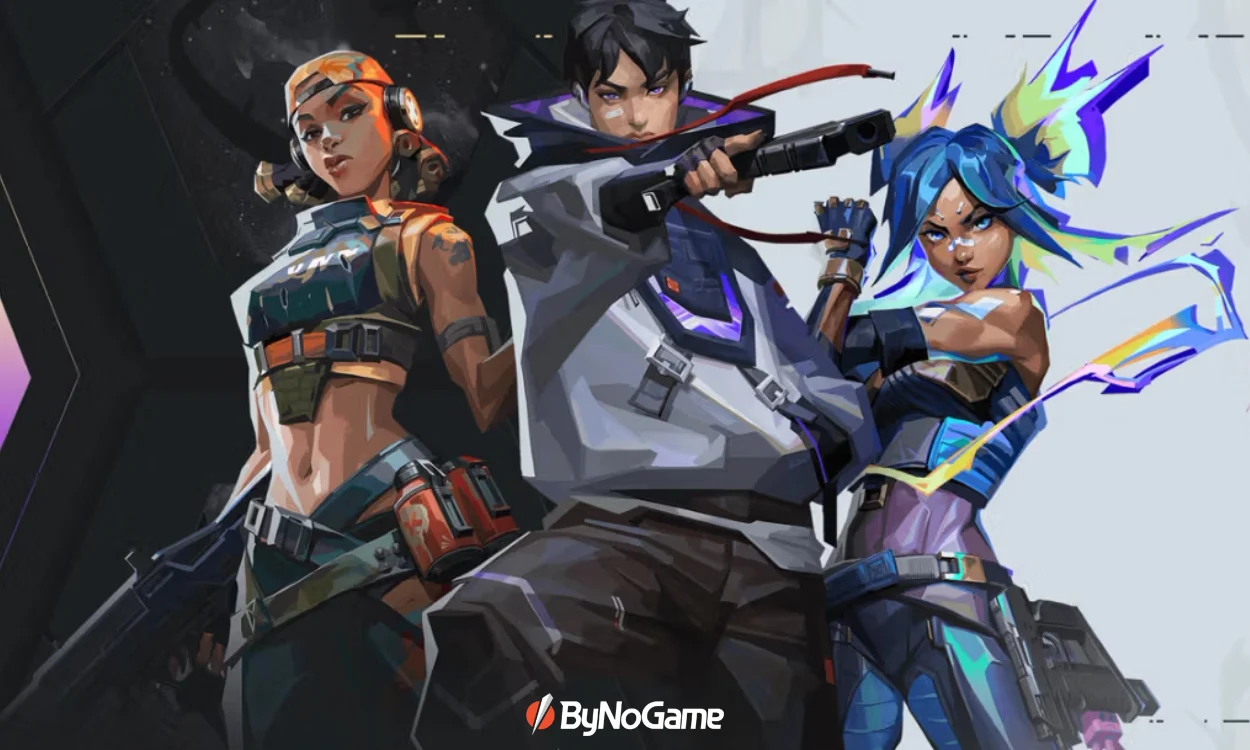
One of the stars of the tactical FPS scene, Valorant, expanded its technology base by upgrading to Unreal Engine 5 in summer 2025. Riot clearly emphasized that this transition will not bring a radical revolution in the appearance and gameplay for now; the main gain will be the faster and more stable arrival of new features in the coming years.
Below, we have compiled the up-to-date minimum/recommended/144+ FPS target system requirements, the download package size, and the post-installation disk space as of 2025. This way, you can clarify all questions like “Is my PC sufficient?” and “How much free space should I leave on my disk?” at once.
UE5 Transition: When Did It Happen and What Is the Purpose?
Valorant’s transition to UE5 took place with patch 11.02 dated July 29, 2025. The goal with this patch is an improved performance ceiling, more efficient content production, and faster delivery of future features (e.g., visual/animation upgrades, toolsets) to players. In the first phase, the in-game feel is mostly preserved while the technical infrastructure was strengthened.
How Many GB Is Valorant in 2025? (PC, Xbox, PlayStation)
- Download (PC): ~49.4 GB.
- Disk space after installation (PC): ~24.6 GB.
- Consoles (Xbox/PlayStation): Approximately 30 GB download, ~15–20 GB after installation post-UE5.
These values indicate significant storage savings after the UE5 upgrade: disk usage on PC just before the transition was reported to reach ~58 GB, which was reduced by half. Download size and disk space after installation are different concepts; the installation process includes extra file extraction/caching steps.
Valorant 2025 System Requirements
The reference requirements published by Riot are divided into three tiers based on 30/60/144+ FPS targets. On the operating system side, Windows 10 (Build 19041+) 64-bit or Windows 11 64-bit is required. For Windows 11 users, TPM 2.0 and UEFI Secure Boot are mandatory. Systems with discrete graphics cards are reminded to have at least 1 GB of VRAM.
Minimum (30 FPS target)
- CPU: Intel i3-540 / AMD Athlon 200GE
- GPU: Intel HD 4000 / AMD Radeon R5 220
- RAM: 4 GB
- Note: DirectX 11, SSE 4.2, or AVX support required.
Recommended (60 FPS target)
- CPU: Intel i3-4150 / AMD Ryzen 3 1200
- GPU: NVIDIA GeForce GT 730 / AMD Radeon R7 240
- RAM: 4 GB
High Performance (144+ FPS target)
- CPU: Intel i5-9400F 2.90 GHz / AMD Ryzen 5 2600X
- GPU: NVIDIA GTX 1050 Ti / AMD Radeon R7 370 / Intel Arc A310
- RAM: 4 GB
Why are the requirements still low?
Valorant's competitive design philosophy focuses on accessibility and stable 60+ FPS on low-end systems. The UE5 transition prepares the infrastructure for the future without breaking this balance—although no major visual leaps are expected at first, the door is now open.
Installation and Storage Tips
- Plan your free space: In addition to the ~49.4 GB package during the download phase, keep in mind that installation may create temporary cache. After installation, ~24.6 GB of space is permanently allocated on the PC. Leaving a few GBs for regular updates is good practice.
- Windows 11 security requirements: If TPM 2.0 + UEFI Secure Boot are not active, you may not be able to launch the game. You might need to enable these in BIOS/UEFI.
- Graphics card VRAM: Discrete GPUs require at least 1 GB VRAM; on low-profile cards, keeping drivers updated noticeably impacts frame rate (FPS) balance.
We conclude our news here. To access details about the game and the latest information on other games, don’t forget to regularly visit ByNoGame’s news section. Everything you need is at your fingertips with ByNoGame’s secure payment infrastructure. Good gaming!